STANDARD FINISHING
Beveling and finishing for common ophthalmic lens materials.
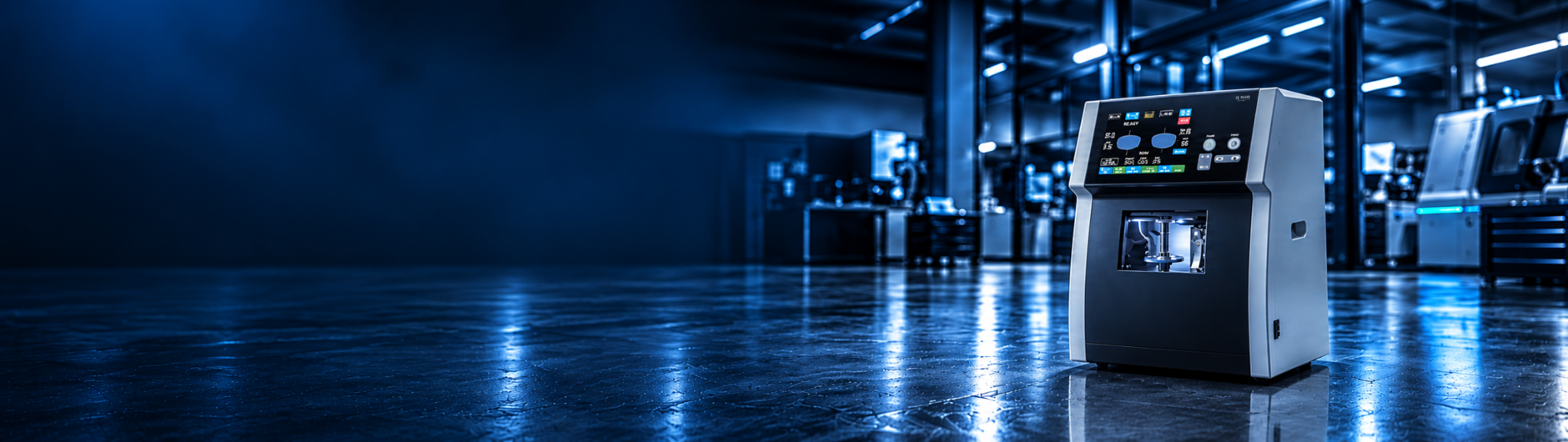
See what the DIA E1000 does, how much space it takes, what materials it handles and what SmartLab provides before and after the sale.
SmartLab Systems focuses its equipment sales on DIA rather than trying to sell every edger on the market. That makes the equipment conversation simpler: learn the machine, understand the workflow, then decide whether it fits your lab.
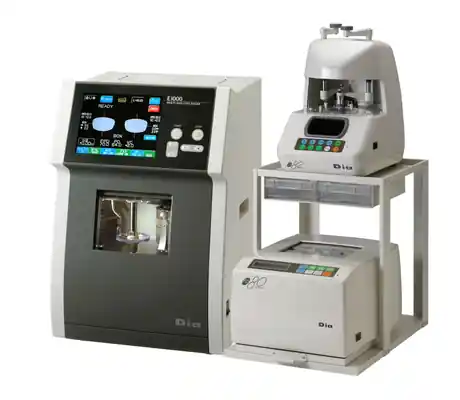
The E1000 works with DIA tracing and blocking equipment to create a complete in-house finishing workflow. The edger combines built-in lens sensing, shape editing, re-edging, grooving, polishing and job memory in a compact Japanese-made system.
The manufacturer lists the E1000 at 370 mm wide × 370 mm deep × 540 mm high — about 14.6\" × 14.6\" × 21.3\". It weighs 39 kg, or roughly 86 lb.
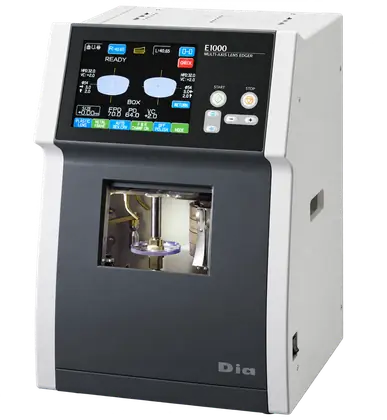 14.6\" × 14.6\" FOOTPRINT
Beveling and finishing for common ophthalmic lens materials.
Correct size, chamfer, groove or polish after a lens has been deblocked.
Modify lens shape or size directly in the finishing workflow.
Evaluate whether a finished lens can be re-edged into another frame.
S-Coat mode is designed for slippery coated lenses.
60-job memory supports rotating and permanent trace/process data.
Manufacturer-listed compatible materials include CR39, mineral glass, polycarbonate, Trivex and high-index lenses.
The interface gives the operator a visual workflow instead of making the machine feel like a black box.
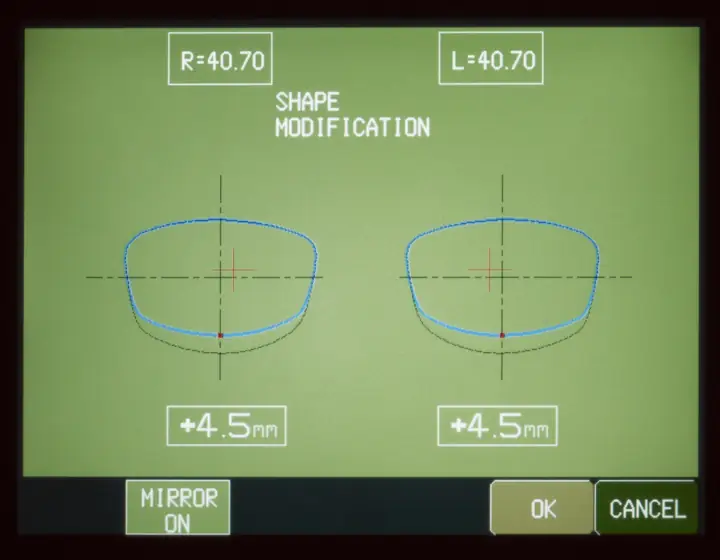
Review and adjust lens geometry before processing.
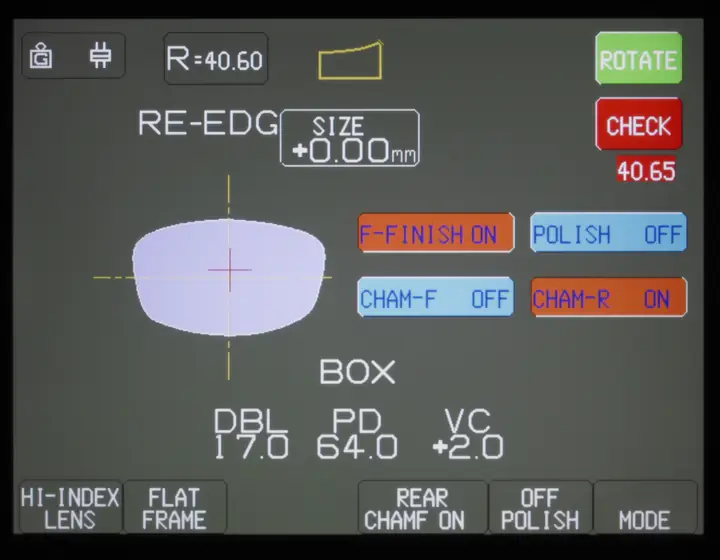
Correct sizing or finishing details without rebuilding the entire job.
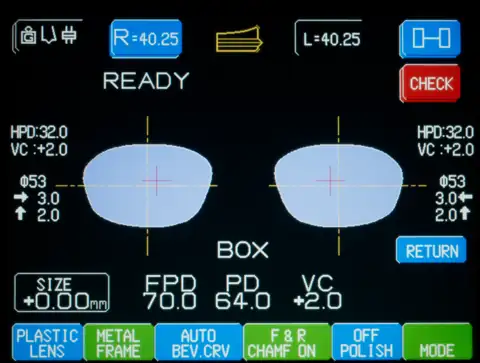
Keep frame, lens and layout information visible together.
A machine purchase is only useful if the system gets installed correctly and the people using it know what to do. SmartLab's value is not just the box — it is the equipment knowledge around it.
What you currently edge, what you send out, volume, lens mix and where delays happen.
We help identify the E1000 setup, accessories and supporting equipment that fit the workflow.
SmartLab can assist with setup, calibration and getting the system ready for daily use.
Operator training, parts, service and troubleshooting remain available after installation.